Pick the part to post
Start with your song and choose a section. Name a favorite section during setup so you can find the same chorus or verse again.
Turn a finished music video into short edits for Reels, TikTok and YouTube Shorts. Choose a section of your song, split the video into shots and compare different cuts before you post.
Start with your song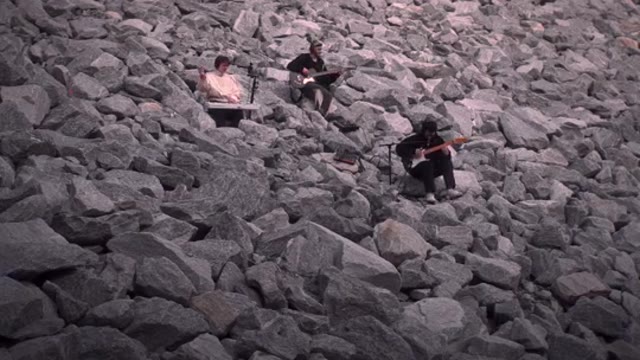
Start with your song and choose a section. Name a favorite section during setup so you can find the same chorus or verse again.
When adding footage, choose “Split a music video.” Chorus Cuts detects shot changes and makes those shots available for new edits. Check the detected boundaries.
Generate versions with different cutting rhythms, framing and lyrics. Keep what works, refine a version or make another batch from the same section.
A finished music video already contains a visual world. Reuse its shots to try a tighter opening, a slower rhythm or a new lyric treatment. Your originals remain intact while each version has its own editable timeline.
Reframing matters as much as cutting. A wide shot that looks great in landscape can lose the performer in a vertical crop. Check each shot in the preview, then use platform overlays to see where captions and interface controls may cover the picture.
Paid plans include up to 4K output and the full editor. HDR delivery depends on your source and the screen or platform playing it. Choose the format for the destination, and inspect the exported file before posting.
You choose the section during setup. Every version in that batch uses that selected range, so you can compare edits of the same moment.
Yes. Shot detection gives you a starting point. Review boundaries and use the full editor on a paid plan for detailed changes.
This workflow prepares downloadable videos. Download your chosen version, then upload it to the platform yourself.